 Premium, free
Startups and products
Free mobile app website template
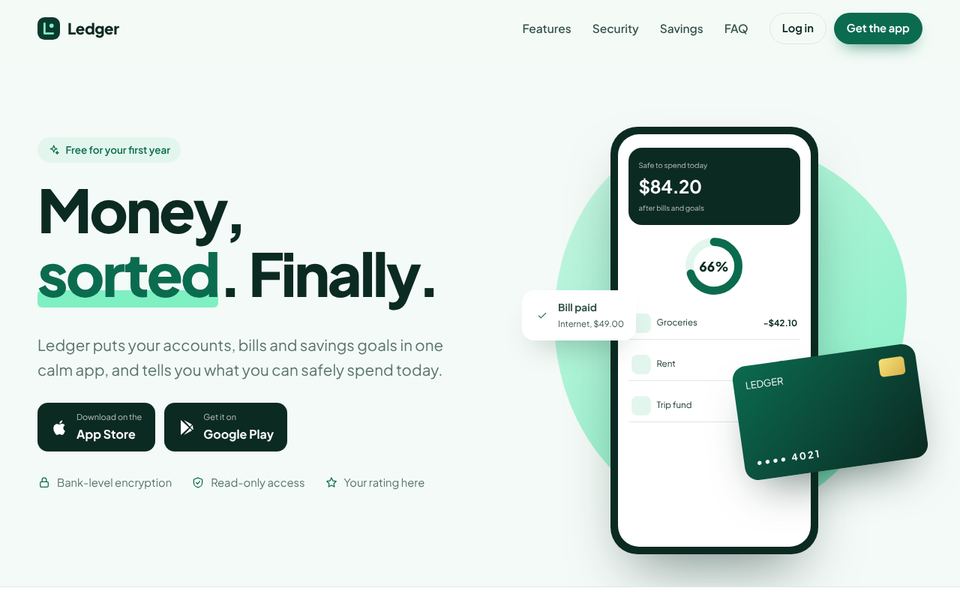
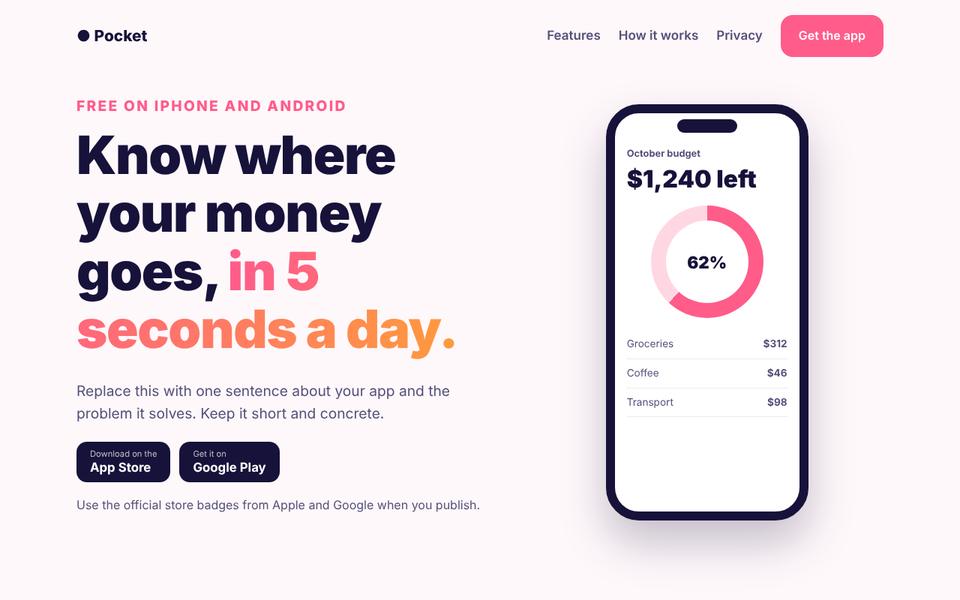
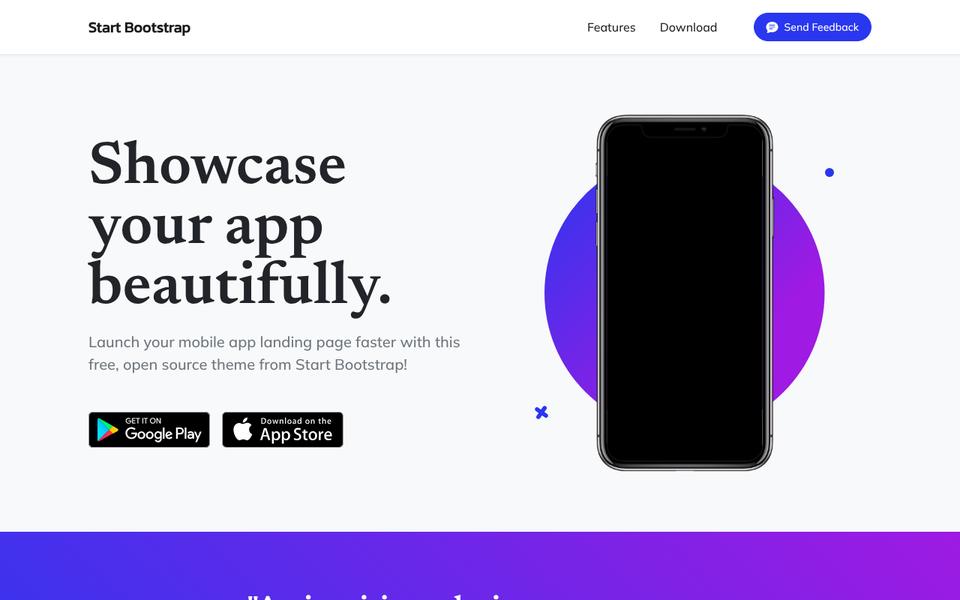
An app landing page should show the app, explain it in a sentence and get the download. Everything else supports those three.
 Launches Wednesday, December 23
Our mobile app template
Tap
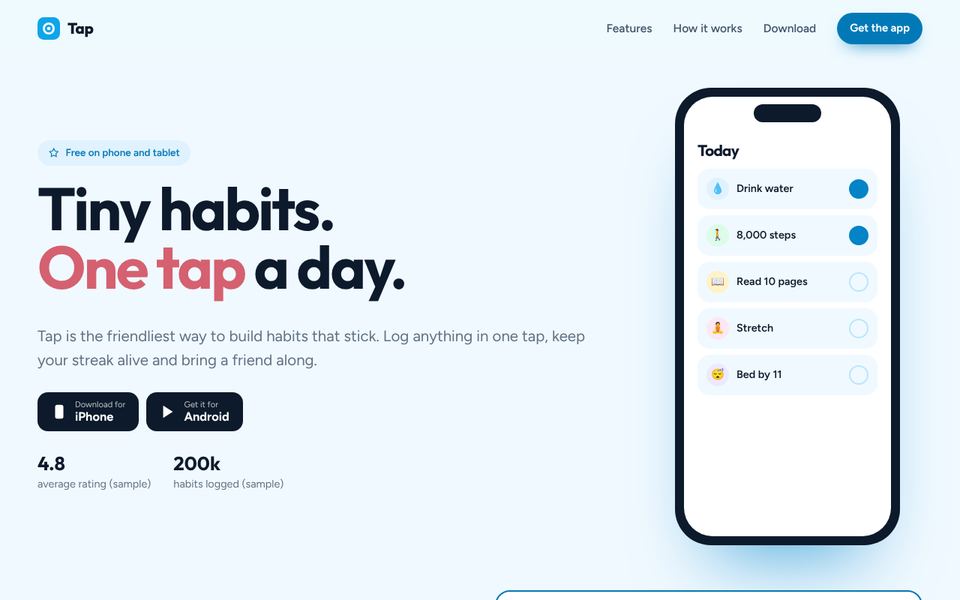
A cheerful landing page for a mobile app: a phone mockup drawn in pure code that changes screens as visitors tap the feature list, ratings and press placeholders, a how-it-works strip, a big download band with phone and tablet buttons and a QR code spot.
We launch one new free template every day, and this one is out on Wednesday, December 23. Until then, the templates below work well for a mobile app site.
Save to PinterestWhat a mobile app website needs
- Phone screens
- One-line pitch
- Feature highlights
- Ratings (real only)
- Store download buttons
Tip: Add a QR code on desktop. People browsing on a laptop can scan it straight to the store.
Set it up in an afternoon
- Pick a template from this page and open the live preview.
- Make it yours. Type your business name, phone, email and colors; they go into every page.
- Change the words and photos. The download includes START-HERE.html with plain steps.
- Put it online free. Drag the zip onto Netlify Drop, then connect your own domain with our launch guide.
Rather have it done for you? We can put your template online on your own domain, with your words and photos and the form connected, for $199. See the setup service.
Ready today for a mobile app site
Questions
Can I use my real screenshots?
Yes. Replace the drawn screens with your images.
Are store badges included?
The buttons are generic. Swap in the official badges from each app store if you like.