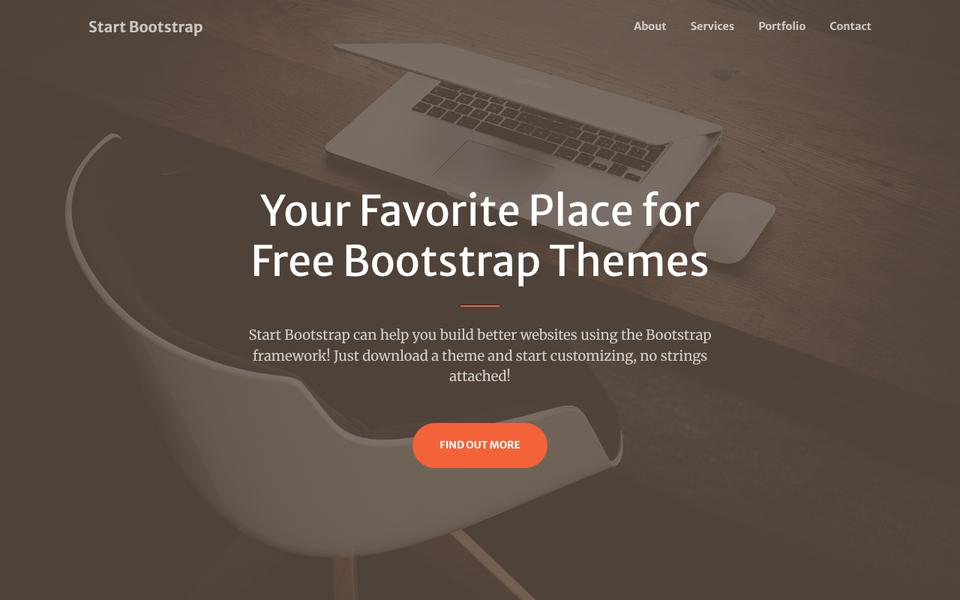
 Live preview
Bootstrap 5 template by Bootstrap (official examples)
Bootstrap Album
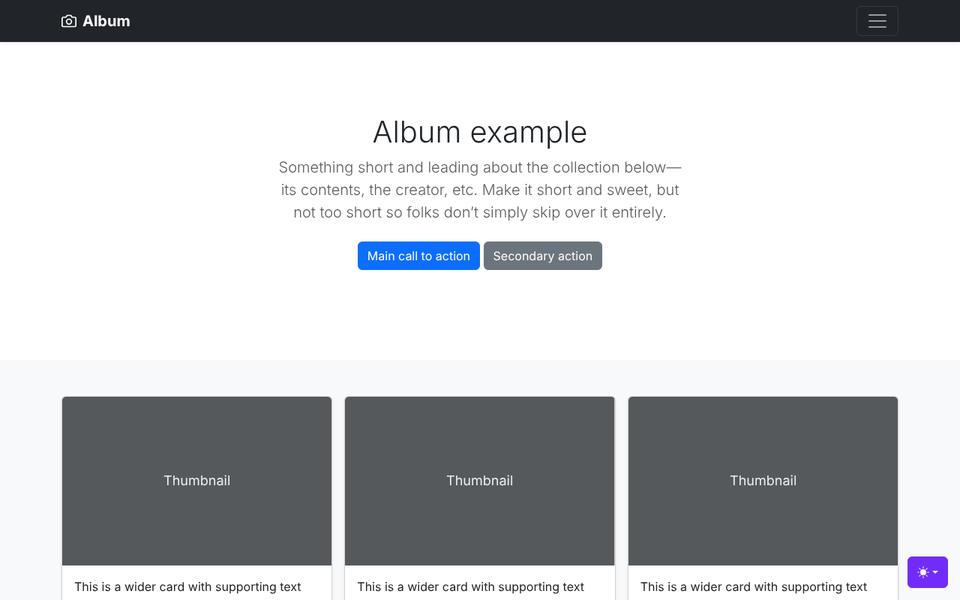
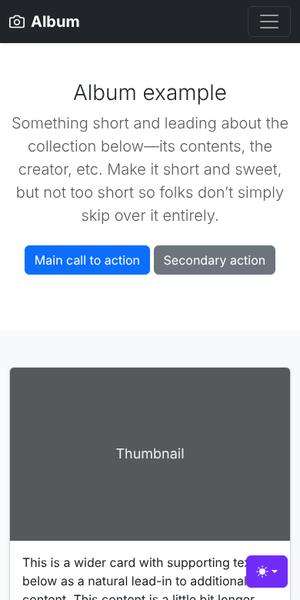
Bootstrap's own photo album page: a dark collapsible header, a centered intro with two buttons and a three-column grid of image cards with view and edit buttons.
MIT Free for commercial and client use. Keep the license file; no visible credit needed.
MIT
The license in plain words
Use it for anything, including paid client work, change it however you like and even share your changed copy. The one rule: keep the copyright notice and license text with the code (for example the LICENSE file). You do not have to show a credit on the page.
- Commercial and client sitesYes
- Change the code and designYes
- Visible credit requiredNo
- Keep the license text in the filesYes
Checked on October 27, 2026 from the LICENSE file in the source repository (Copyright (c) 2011-2024 The Bootstrap Authors). Full text: MIT License. The license file that comes with the template is what counts. This is not legal advice.
Who it suits
Good to know: An official example from the Bootstrap team; links to the Bootstrap CSS on a CDN.
How to use it
- Get the files. Use Make it yours to add your name and colors and download a ready zip, or download the original from the official page.
- Edit the text and images. Open index.html in a code editor (VS Code is free), change the words and swap the photos for your own, keeping the same file names or updating the links.
- Check the license step. Leave the LICENSE file in the folder.
- Put it online. Upload the folder to your web host with its file manager or FTP, or use a free static host. Our guide shows how to put a template online.
New to templates? Our beginner guide walks through every step.
Write your site with AI
Answer a few questions and we turn them into a ready prompt for ChatGPT, Claude or Gemini, written for the sections of Bootstrap Album. Paste it in and you get the text for the whole page. Nothing you type is sent to us.
The buttons copy the prompt first; Gemini opens empty, so paste it in. Check every fact the AI writes before you publish, and add your real prices and reviews yourself. More tips in our guide to building a website with AI.
Something changed with this template?
Similar templates


Made a free template, or found one we should list? Suggest it.