 Premium, free
MITHTML and CSS
Common Ground
by Ultimate Web Templates
Good for nonprofit, church and community, event and wedding, school, course and tutor
HTML and CSS template by Ultimate Web Templates
Our own template for nonprofits, churches and community groups: a mission-first hero with a donate button that stays in the menu, impact numbers you fill in, upcoming events, ways to help and a newsletter sign-up.
MIT Free for commercial and client use. Keep the license file; no visible credit needed.
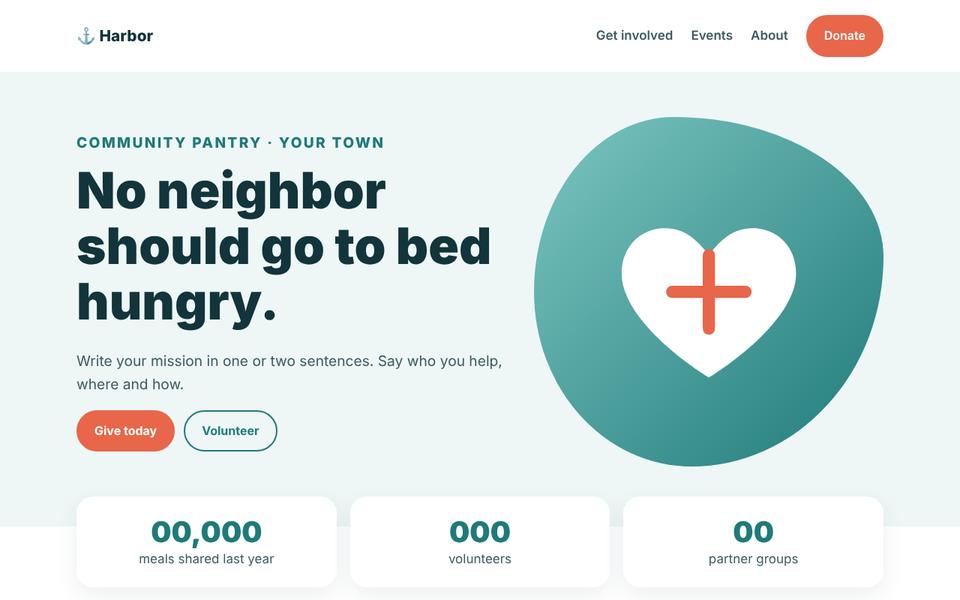
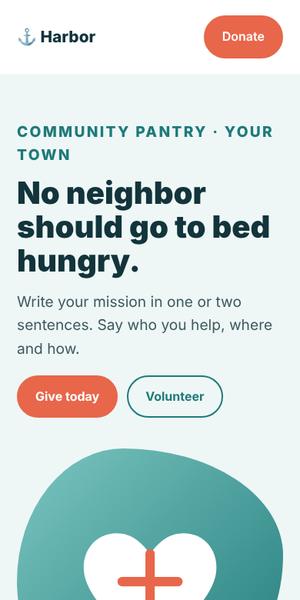
Use it for anything, including paid client work, change it however you like and even share your changed copy. The one rule: keep the copyright notice and license text with the code (for example the LICENSE file). You do not have to show a credit on the page.
Checked on October 27, 2026 from our own LICENSE.txt, included in the download (Copyright (c) 2026 Ultimate Web Templates). Full text: MIT License. The license file that comes with the template is what counts. This is not legal advice.
Good to know: Designed by Ultimate Web Templates. No photos included: swap the drawn placeholders for your own images. The footer credit link is optional: you may remove it.
New to templates? Our beginner guide walks through every step.
Answer a few questions and we turn them into a ready prompt for ChatGPT, Claude or Gemini, written for the sections of Harbor. Paste it in and you get the text for the whole page. Nothing you type is sent to us.
The buttons copy the prompt first; Gemini opens empty, so paste it in. Check every fact the AI writes before you publish, and add your real prices and reviews yourself. More tips in our guide to building a website with AI.
Premium, freeby Ultimate Web Templates
Good for nonprofit, church and community, event and wedding, school, course and tutor
 Live preview
by Start Bootstrap
Good for documentation and help center, nonprofit, church and community, event and wedding
 Live preview
by Bootstrap (official examples)
Good for blog, nonprofit, church and community, school, course and tutor

by HTML5 UP
Good for portfolio, event and wedding, nonprofit, church and community
Made a free template, or found one we should list? Suggest it.